Local AI, made approachable
Make more.
On your machine.
Chat with local models, create images and video, generate voices, and launch coding agents. One friendly desktop app and one small CLI for Mac, Windows, and Linux.
Choose what you want to make
A good place to start.
No need to learn every backend first. Pick a task, then follow the steps for your computer.
Chat with a local model
Pull a model once, then talk to it in the desktop app or terminal.
tapioca run qwen3:4b-q4_k_m02Make images and video
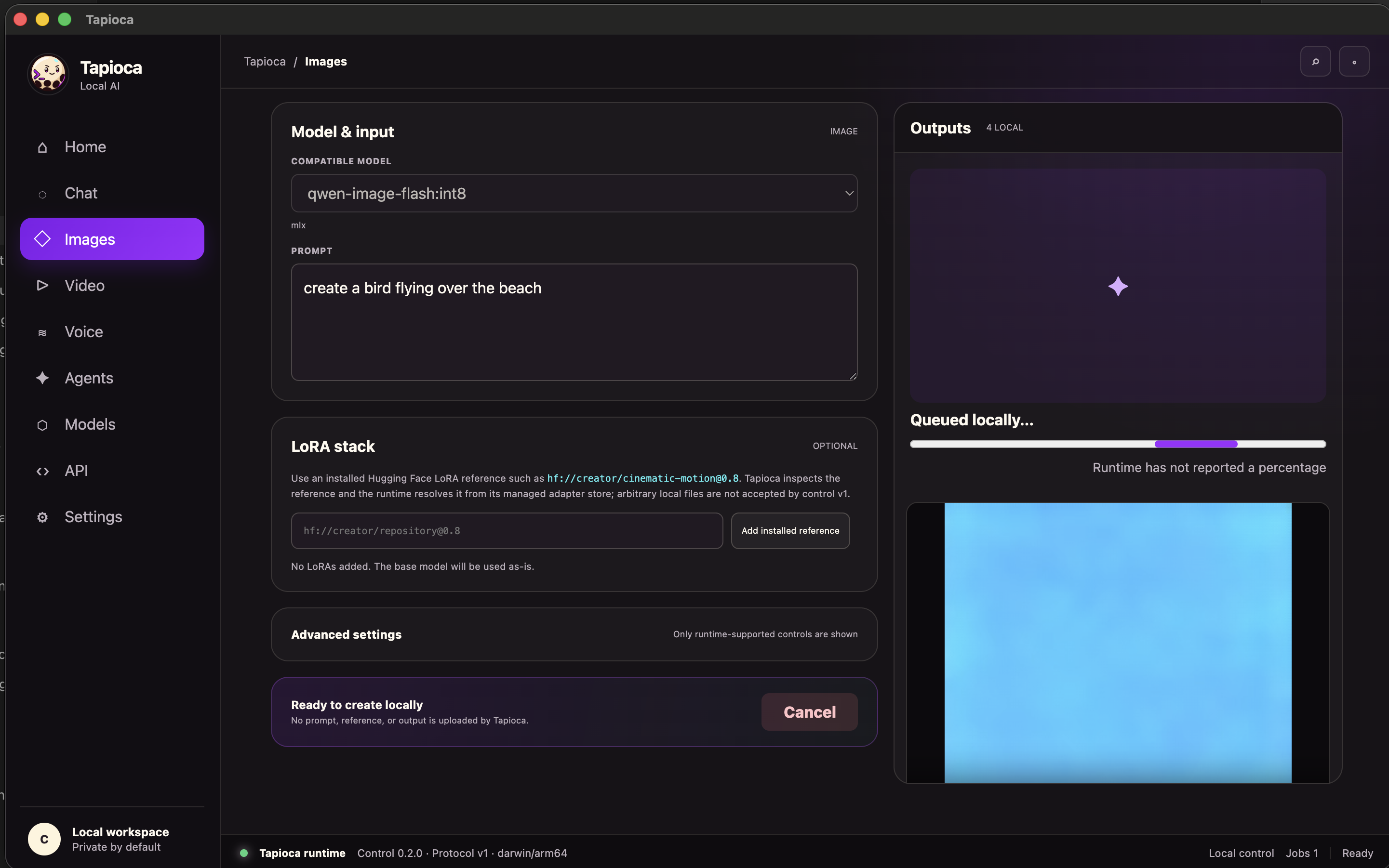
Choose a model that fits your hardware, set the size or duration, and create locally.
tapioca catalog03Give words a voice
Generate speech or make a reusable voice from a recording you have permission to use.
tapioca tts chatterbox:nano --text "Hello!"04Power your coding agent
Connect Codex, Claude Code, OpenCode, OpenClaw, or Hermes to a compatible local model.
tapioca launch opencode qwen3-coder:30b-mlxGet started
Your machine, your choice.
Download the desktop app, or install the CLI. Models and generated files stay in your local Tapioca directory.
Mac
Apple Silicon · Metal and MLX
Setup guideWindows
x64 and ARM64 · CUDA, DirectML, Vulkan
Setup guideLinux
x64 and ARM64 · CUDA and Vulkan
Setup guidecurl -fsSL https://tapioca.rootfruit.cc/install.sh | shirm https://tapioca.rootfruit.cc/install.ps1 | iexInstaller scripts and release binaries are open for inspection on GitHub. The beginner guide explains each step.
Build on what you already have
Go deeper when you're ready.
Refresh model recipes without reinstalling Tapioca. Import downloaded LoRAs, move a model library between computers, or connect an agent through the local API.
tapioca catalog updatetapioca update --checktapioca updateUpdating Tapioca preserves your downloaded models, LoRAs, voices, and generated media.
Made in the open
Questions, ideas, and creations welcome.
Get help, share a local setup, or help shape what Tapioca supports next.